
Guide
The best to-do list apps for iPhone and Mac in 2026
There is no single best app, only the best one for how you work. Here are five good options and who each one suits.
- iPhone
- iPad
- Mac
The short version
| App | Best for | Price | App Store rating (US) |
|---|---|---|---|
| Apple Reminders | Simple lists and shared shopping lists | Free | 4.8 |
| Things 3 | A polished personal app, one-time payment | $9.99 iPhone, $19.99 iPad, $49.99 Mac | 4.8 |
| Todoist | Working across every platform and with others | Free; Pro from about $60 a year in the US | 4.8 |
| TickTick | Lots of features for the price, with a calendar | Free; Premium $49.99 a year | 4.9 |
| Pineday | Planning days and weeks calmly, no account | Free; Pro $24.99 a year or $69.99 once | New |
Apple Reminders: start here
It is already on your devices, free, and much better than it used to be. If you mostly need lists and alerts, you may not need anything else. It has no real planning view, though, and long lists stay long.
Things 3: the best-designed
Beautiful, fast and thoughtfully organized around Today, Upcoming, Anytime and Someday. You pay once per platform, which adds up to $79.97 for all three. It is only for Apple devices.
Todoist: the best across platforms
It runs everywhere, including Android, Windows and the web, and it handles shared projects well. It needs an account and the useful features are on a subscription.
TickTick: the most features
Calendar views, a habit tracker and a focus timer are all in one app. That breadth is the appeal, and the reason some people find it busy.
Pineday: the calmest planner
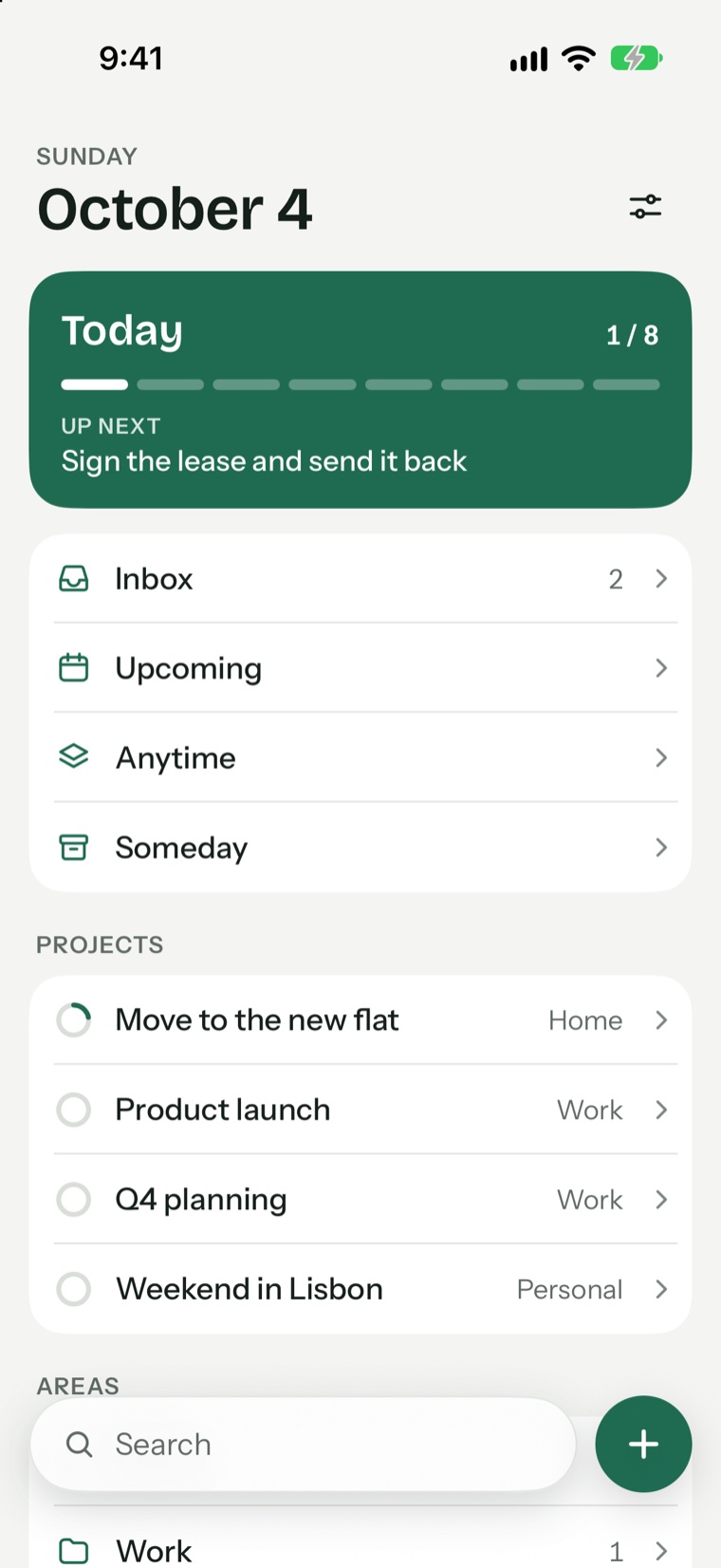
Our own app, so judge this one yourself. Pineday focuses on whether your plan fits: a load bar for each day, a morning plan and dates you type in a sentence. It needs no account and has no servers. It does not have sharing, Apple Watch or Android support.
How to choose
- Need sharing or Android or Windows? Todoist or TickTick
- Only want reminders and lists? Apple Reminders
- Want to pay once? Things 3 or Pineday
- Want tasks to stay off other companies' servers? Pineday or Reminders
- Struggling with overfull days? Pineday
Questions and answers
What is the best free to-do list app for iPhone?
Apple Reminders for simple lists. For planning, the free versions of Pineday, Todoist and TickTick each cover the basics.
What is the best to-do app for iPhone and Mac together?
Things 3, Todoist, TickTick, Reminders and Pineday all work on both. Pineday and Reminders sync through your own iCloud, the others through their own services.
Which to-do apps have no subscription?
Things 3 is one-time per platform and Pineday Pro has a one-time option. Apple Reminders is free.
Try Pineday on your own day.
Free on the App Store for iPhone, iPad and Mac. No account needed.
- iPhone
- iPad
- Mac