
Free
Everything you need to plan your days.
$0 no time limit
- Today, Upcoming, Anytime and Someday
- Up to 3 open projects, unlimited areas
- Weekly load bar
- Dates in plain language
- Repeating tasks and reminders
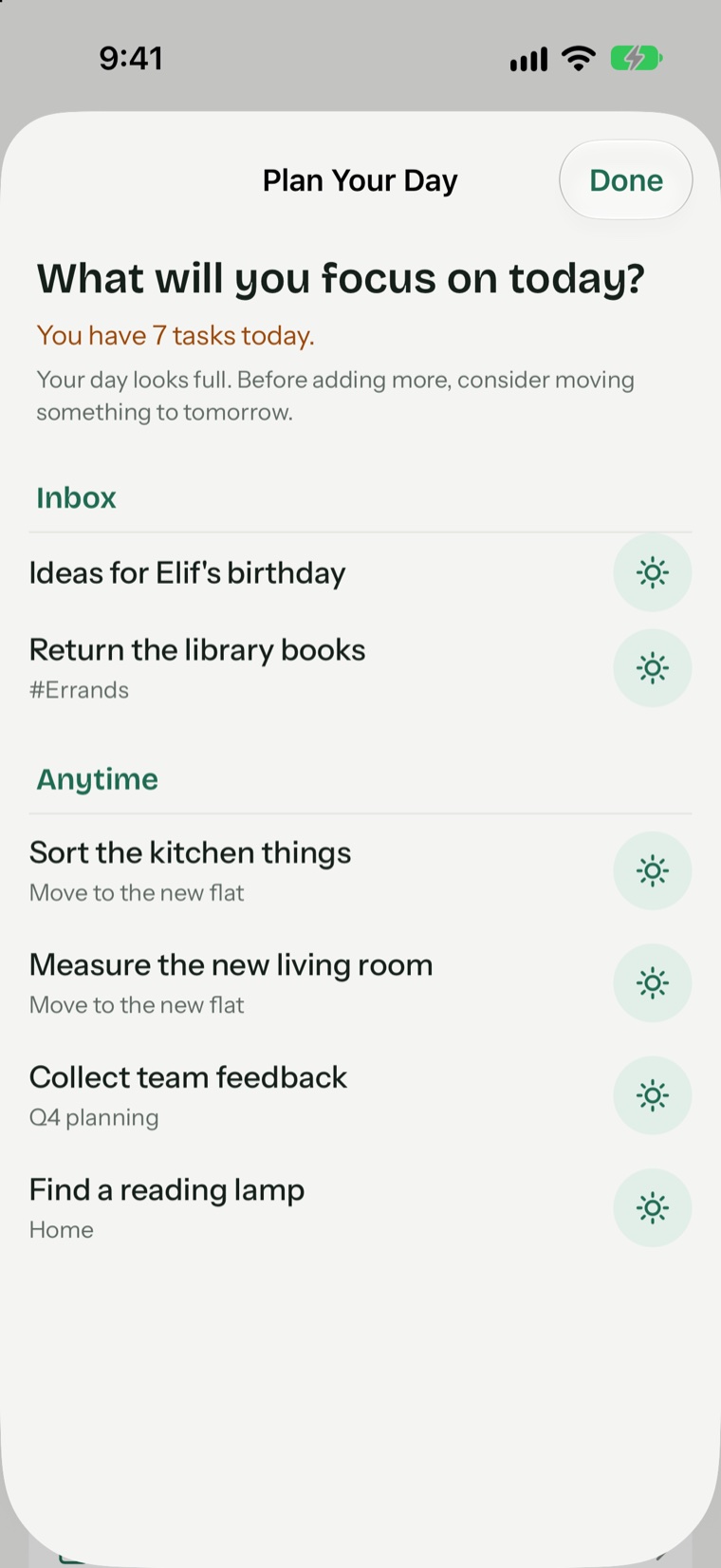
- Morning plan
To-do list for iPhone, iPad and Mac
Pineday asks one question each morning: what will you focus on today? Everything else waits its turn.
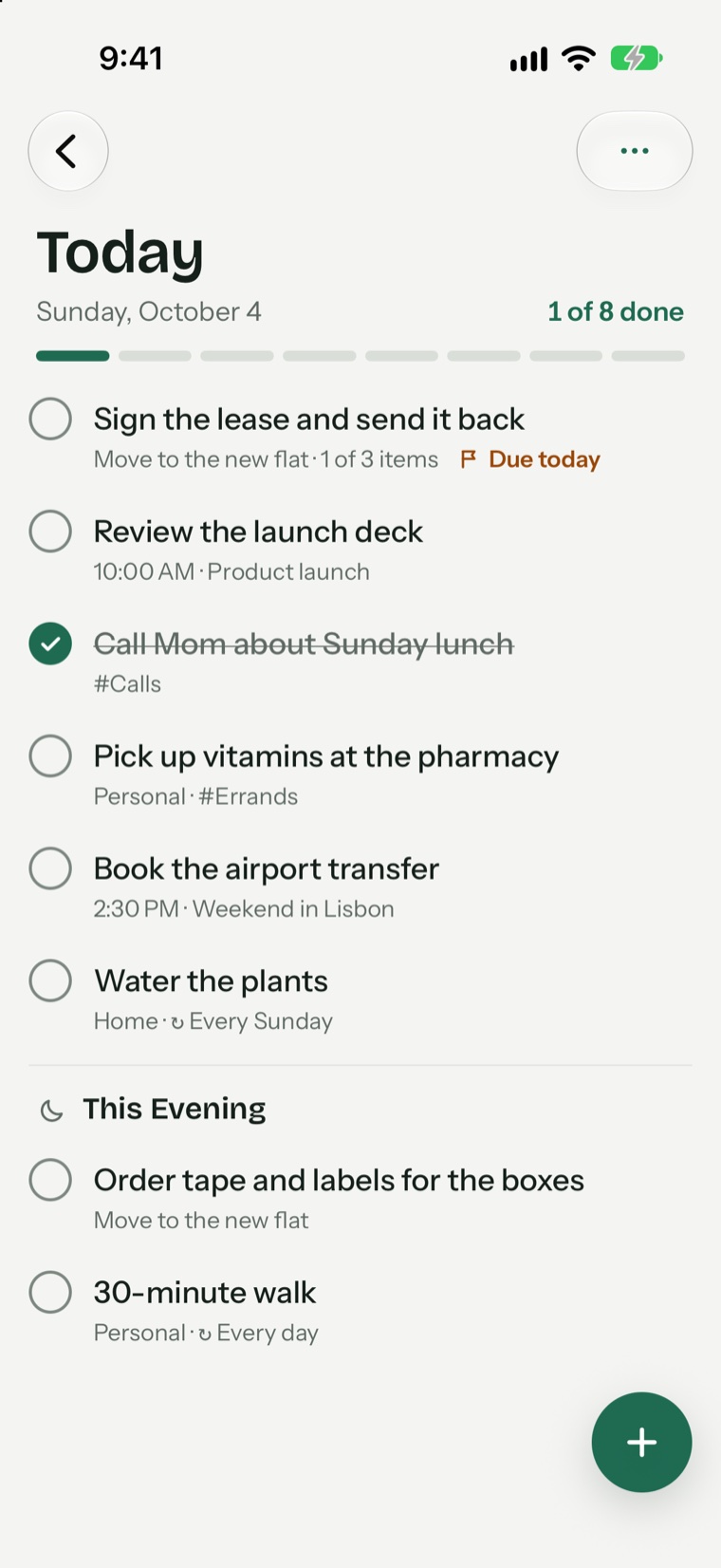
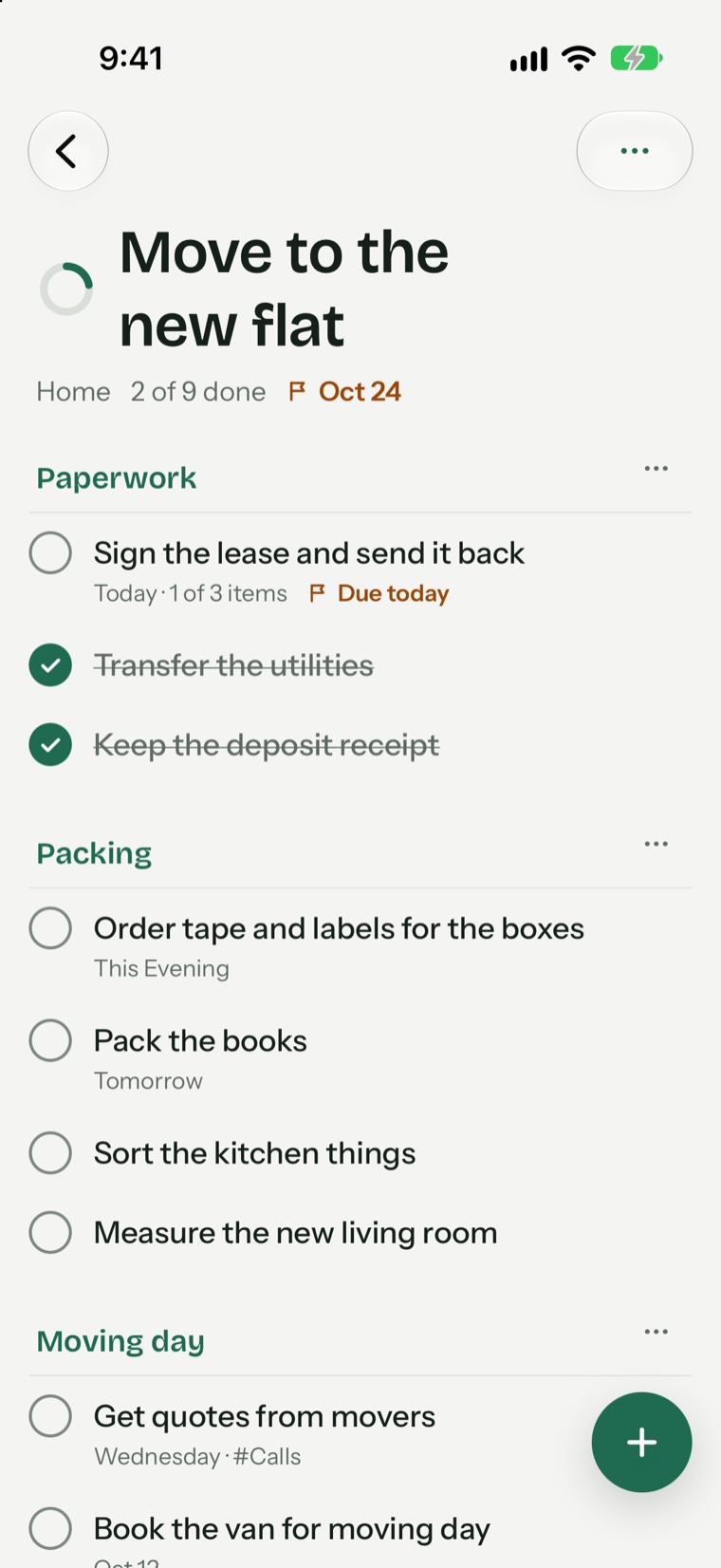
Morning planWhat will you focus on today?
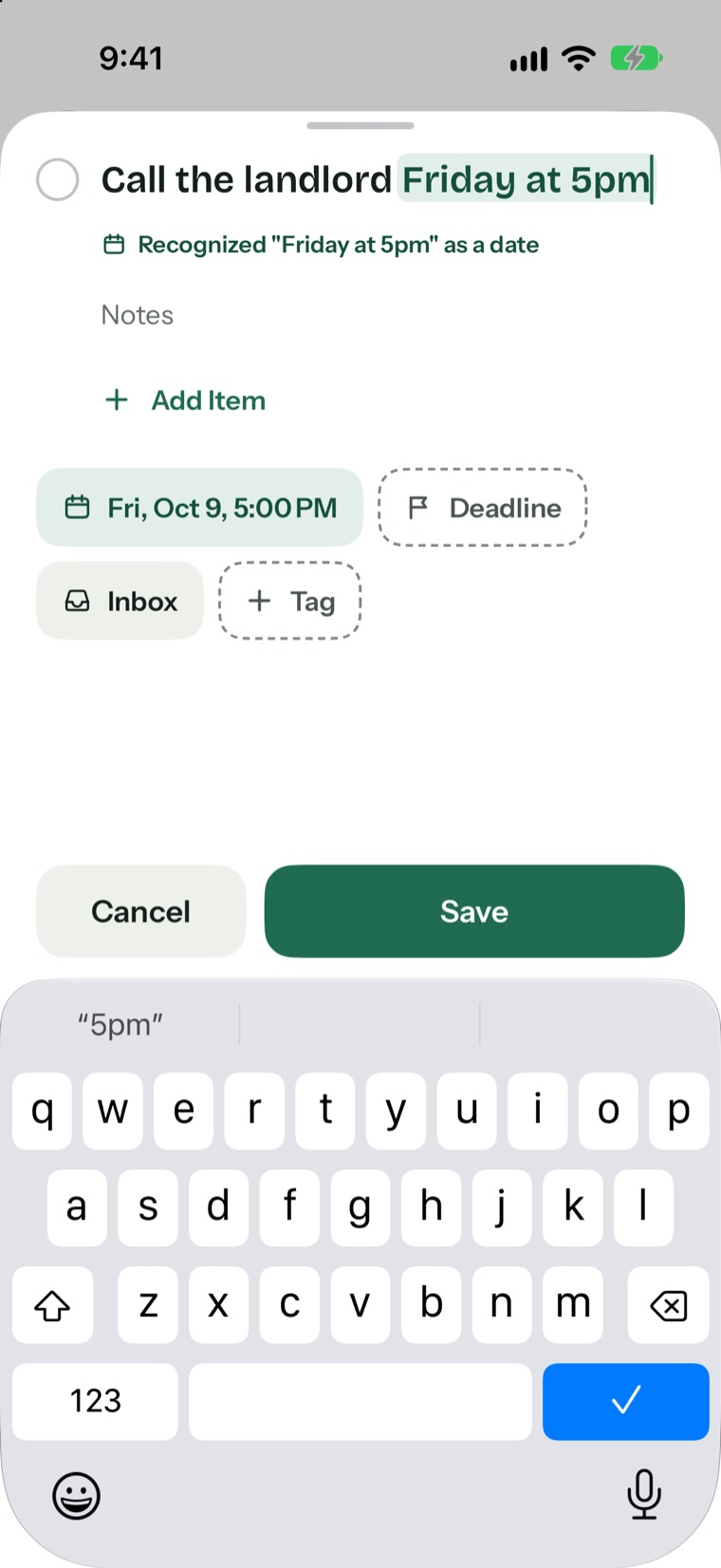
Call the landlord Friday at 5pm
Friday is a busy day · 6 tasks
Natural language
Type the day and time right into the sentence. Pineday spots them, highlights them and sets the date for you. No forms to fill in.
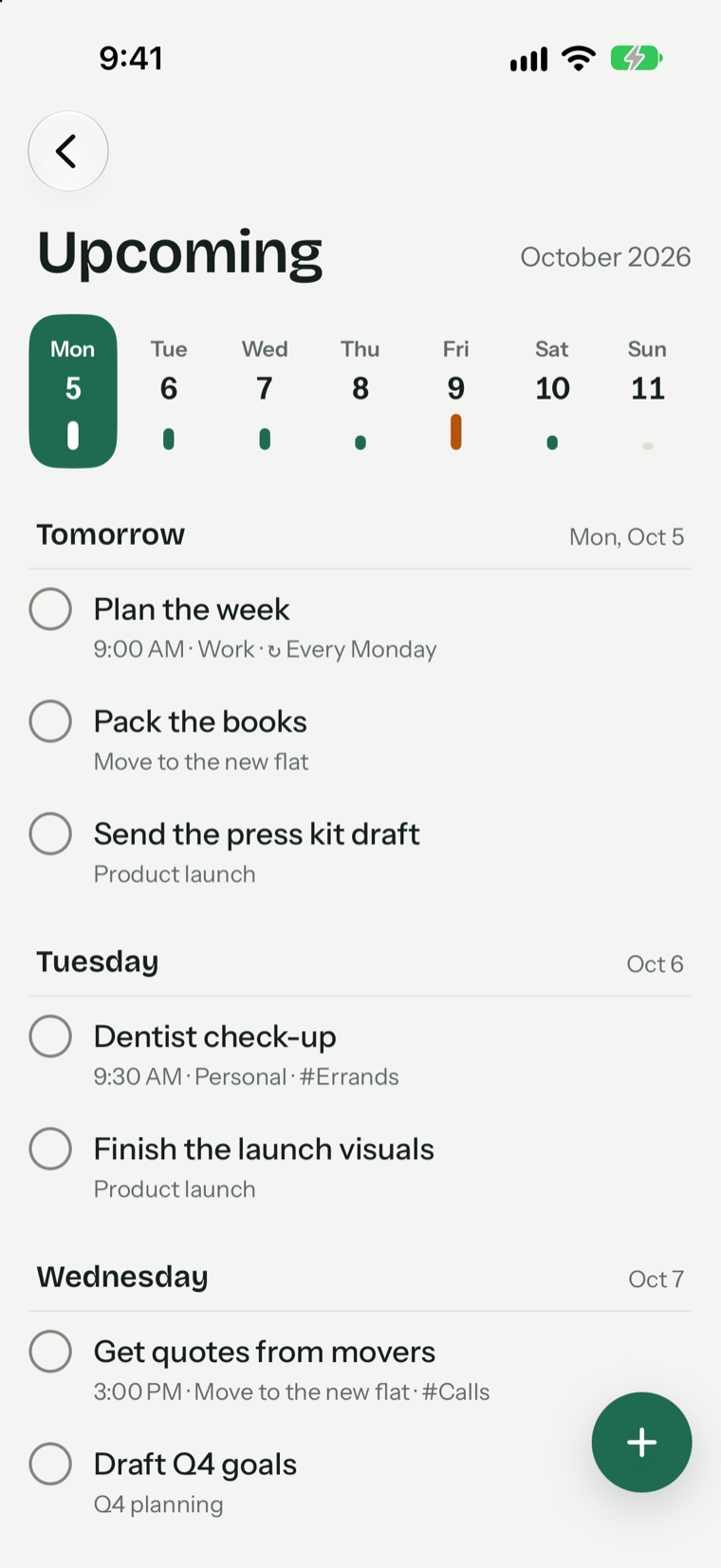
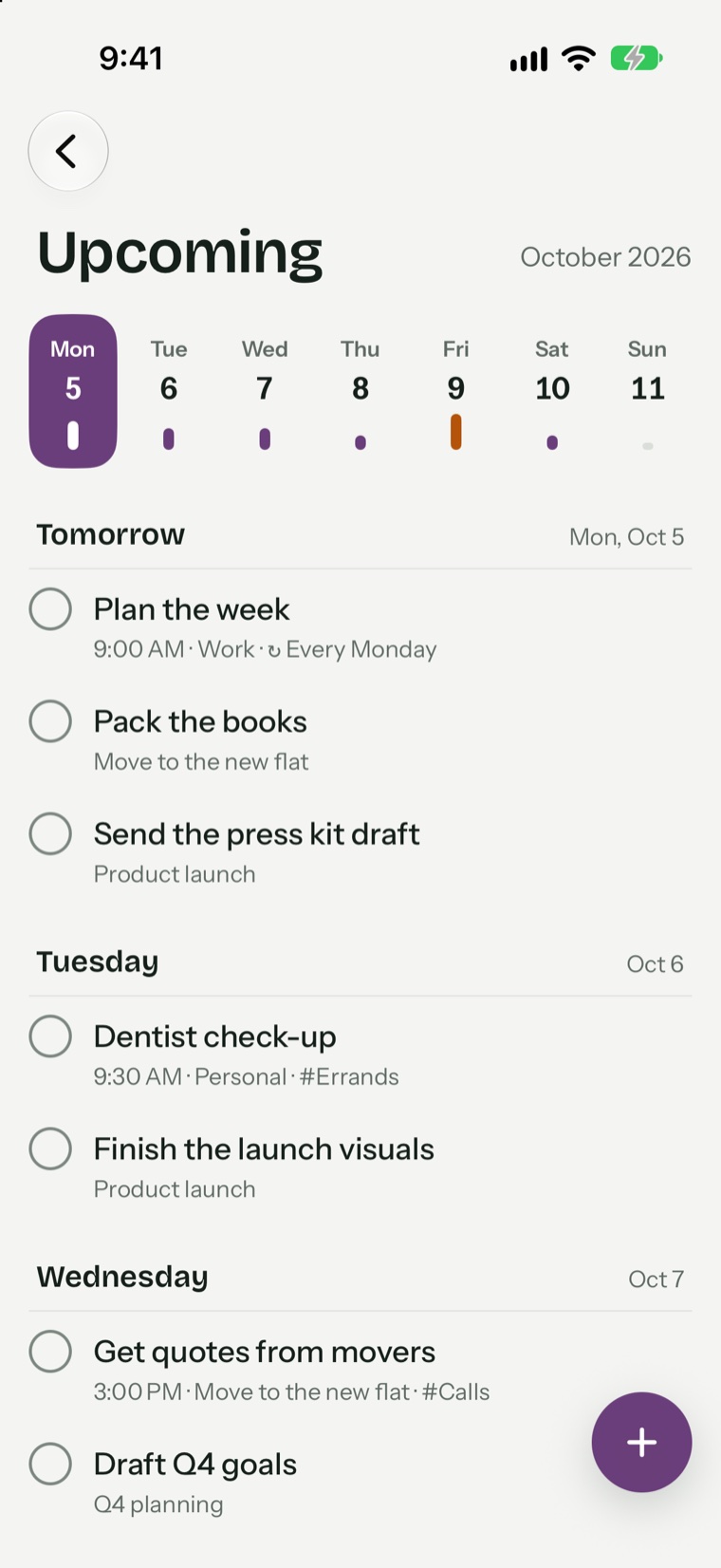
Upcoming
A small bar under each day shows how full it is. Busy days turn orange, so you can spread the work out before it piles up.
Thoughtful details
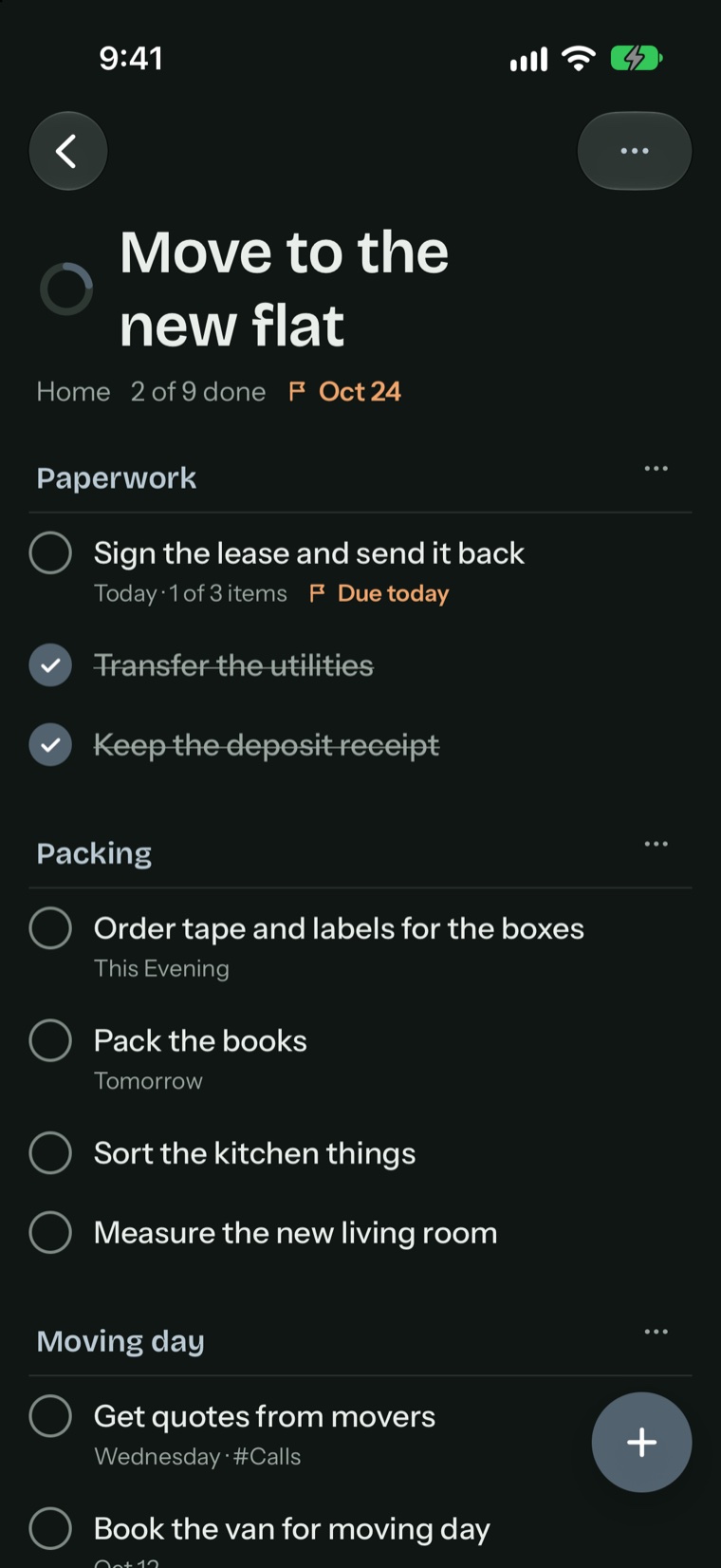
iPad
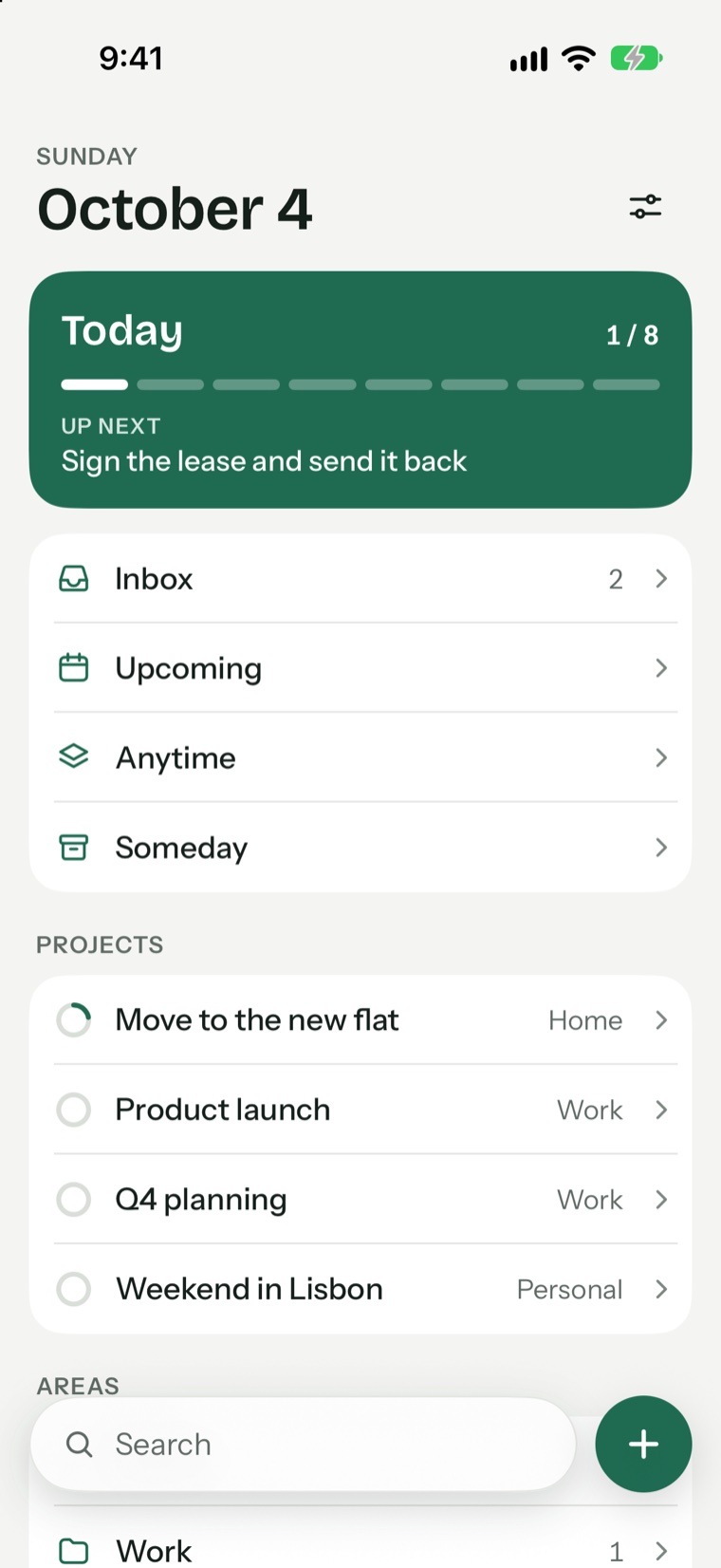
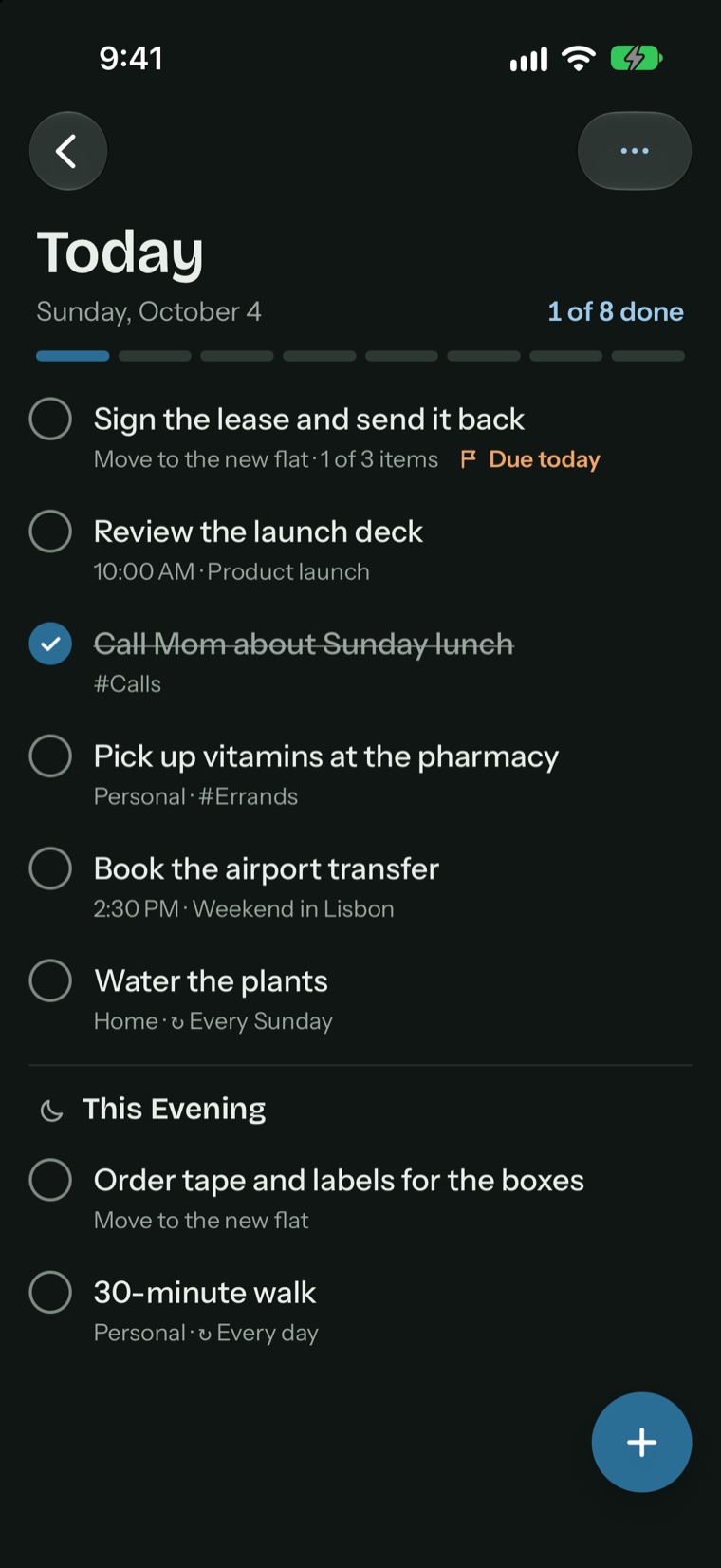
A sidebar for your lists and a wide view of your day. With Pro, everything stays in sync across iPhone, iPad and Mac through your own iCloud.

Mac
A real Mac app with a sidebar, menus and keyboard shortcuts. Find anything with Quick Find (⌘K) and see what's left for today right on the Dock icon.

Pricing
Everything you need to plan your days.
$0 no time limit
For bigger plans and every device.
$24.99 per year
or $69.99 once, yours for life
The yearly plan starts with a free week. One purchase covers iPhone, iPad and Mac.
If Pro ends, nothing is locked or deleted. Prices are in US dollars; the App Store shows the price for your country.
Privacy
Pineday has no servers, no accounts and no tracking. Your tasks live on your device and, if you turn on sync, in your own private iCloud.
iPhone and iPad with iOS 17 or iPadOS 17 and later, and Mac with macOS 14 Sonoma and later.
No. Pineday works without signing up. Sync uses the iCloud account that's already on your devices.
With Pineday Pro, turn on Sync with iCloud in Settings. Your tasks are kept in your private iCloud and stay up to date on your iPhone, iPad and Mac.
Nothing is locked or deleted. Your projects and tasks stay right where they are.
English and Turkish, including the dates you type.
Free on the App Store for iPhone, iPad and Mac.